
Appearance
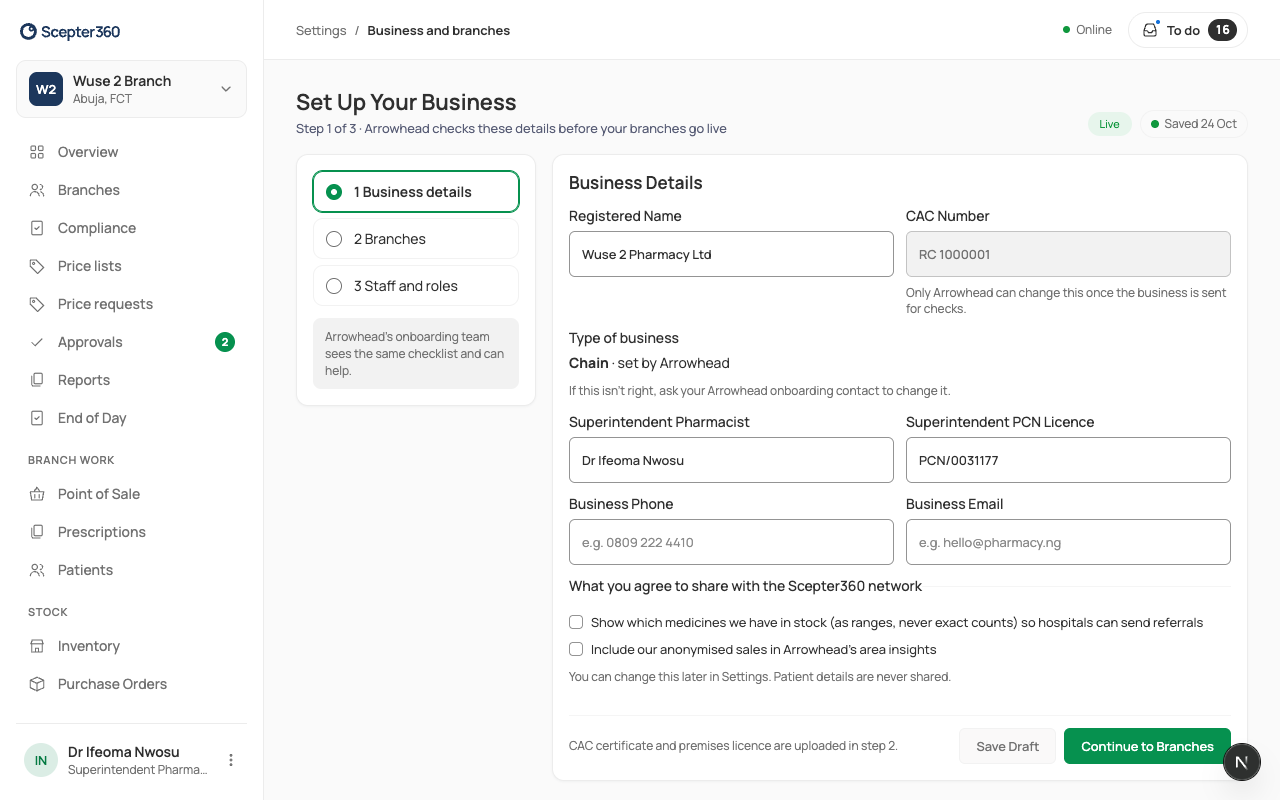
Set up your business and branches
In short
Business and branches takes you through three steps: your business details, your branches (address, premises licence and opening hours), and your staff. Then Send for Checks: Arrowhead checks your documents and switches you on.
Who: the owner.
1. Business details
Open Business and branches. Type the Registered Name, CAC Number, the Superintendent Pharmacist and their PCN Licence, the business phone and email. Choose Continue to Branches (or Save Draft).
2. Branches
For each branch (Add Branch for more): its name and area, the Address, the Premises Licence Number and its expiry date, and upload the premises licence. Set the Opening Hours for each day (Copy Monday to weekdays saves time). Upload your CAC certificate. Choose Continue to Staff.
3. Staff and roles, then checks
Invite your staff (Staff) and check the roles (Roles and limits). Then choose Send for Checks. Your overview shows each step until you go live.
Opening hours matter: a pharmacist's duty ends at closing time, and price-list changes start at opening.
If something goes wrong
- "Finish the business details in step 1."
- "Add each branch’s address and premises licence in step 2."
- "Choose a PDF, JPEG or PNG." / "That file is over 10 MB…"