
Appearance
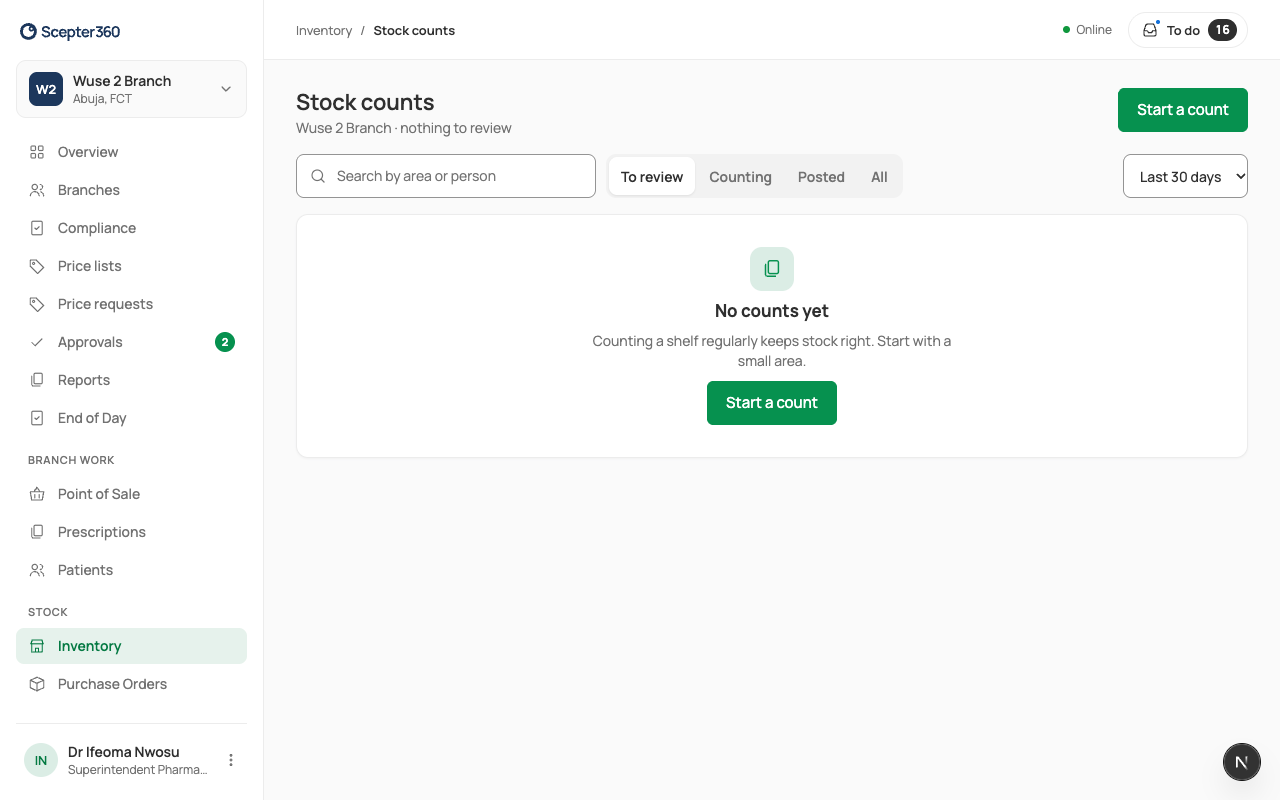
Count stock
In short
Start a count, give it to someone, they count on their phone, and you review the differences and post them. Differences over the limit go for approval.
Who: managers start counts for anyone; technicians and storekeepers count their own. Posting needs a manager or the owner.
Start a count
- In Inventory, choose Stock Counts, then Start a count.
- Choose What to Count: a full count, or a smaller one (an area, a group, high-value and fast-moving items) to catch problems between full counts.
- Blind count hides the expected quantity, so the counter counts what's there instead of confirming a number. It's always on for technicians and storekeepers.
- Set Approval needed above (₦): differences worth more than this go to the branch manager.
- Choose who counts it, and Start Count.
Count
The counter opens the count (it's in their To do), counts each item, and chooses Save and Next, then Finish. Counting works offline; it's saved on the phone.
Review and post
- Open the count from Stock counts (To review) or your To do.
- Under Differences, look at the Difference and its value, and give each line a reason. A small shortage is usually breakage or a sale not scanned; a large one is worth recounting before you post.
- Choose Post … Adjustments, Send … for Approval (or Close Count if everything matched). Lines under the limit post at once; the rest wait for approval.
A difference on a controlled drug always opens an investigation, for the superintendent.
If something goes wrong
- "Can’t post yet." A line still needs a reason.