
Appearance
Staff
In short
Invite Staff with their email or phone, role and branches: they get a link to join. Open someone to change their role or branches, confirm a pharmacist's licence, or remove them.
Who: branch managers and the owner. Only the owner invites managers, confirms licences and resets two-step sign-in.
Invite someone
- Open Staff (owners: Staff and roles) and choose Invite Staff.
- Type their Email or Phone Number.
- Choose the Role: Cashier, Pharmacist, Technician or Manager.
- Choose their Branches.
- Choose Send Invite.
They show as Invited until they accept. An invite lasts 7 days; Resend or Cancel it from the list.
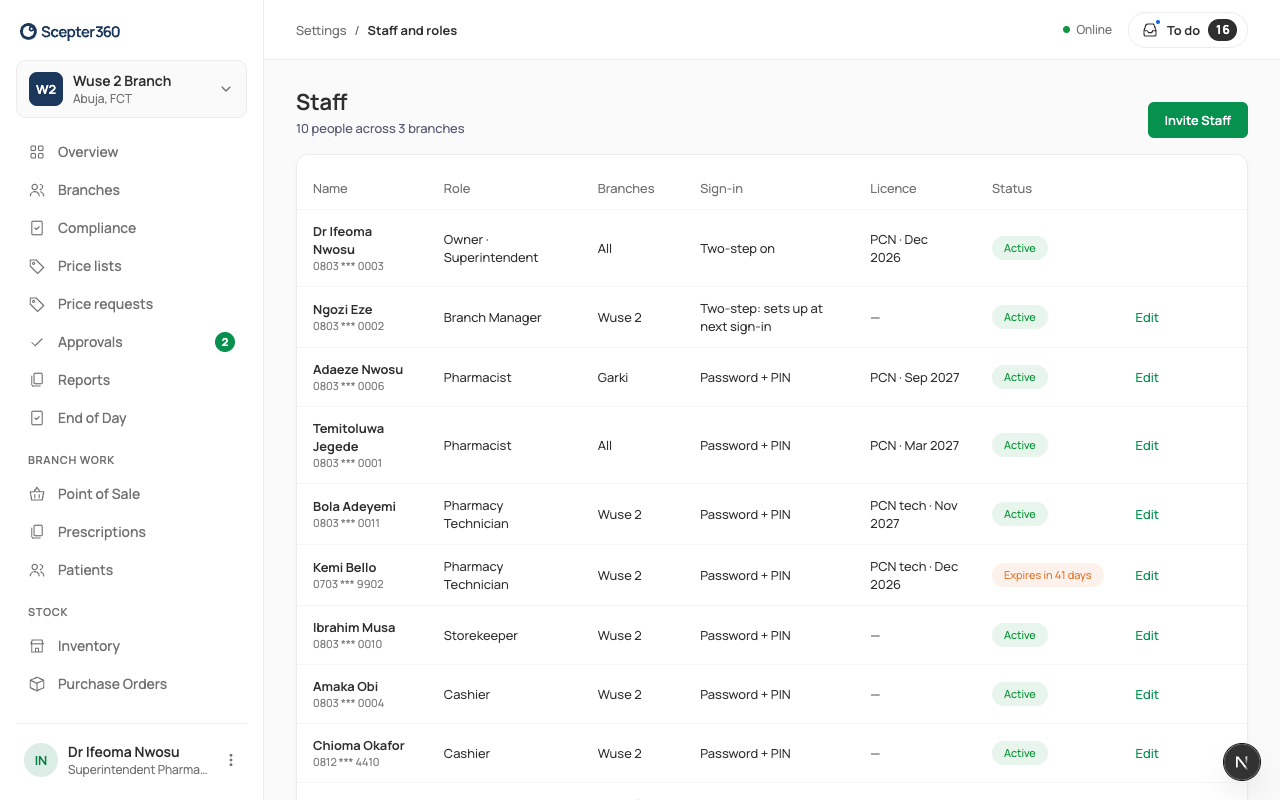
Change someone
Open them, change the Role, Branches or Relief cover, and choose Save Changes.
- Confirm Licence (owner): a pharmacist can't go on duty until their PCN licence is confirmed. Check the number and expiry against PCN's records, and say how you checked it.
- Reset Two-Step Sign-In (owner): when someone lost their phone. Check who they are first. The owner's own two-step is reset by Arrowhead.
- Remove from Staff: signs them out everywhere at once.
If something goes wrong
- "Choose at least one branch."
- "Enter an email or a phone number like 0803 123 4567."